
I have a lot of meetings during the day, and I do not always want another sound notification. Sometimes I am already listening to music, sometimes I am focused on something else, and sometimes I just want a reminder that is visible without being annoying.
That is where a simple RGB bulb can be surprisingly useful. Instead of relying only on a calendar popup or phone notification, I use a light on my desk as a quiet visual meeting alert.
Why I Wanted a Visual Meeting Alert
Calendar reminders are useful, but they are also very easy to ignore. A notification can disappear behind another window, a phone can be face down, and a sound alert can get lost if the room is noisy or if I am wearing headphones.
A light is different. It is always in the corner of my eye, and it does not need to interrupt anything. I wanted something simple: blue when a meeting is coming soon, red when it is really about to start, and then off again when the warning is over.
The Idea
The automation uses a Home Assistant calendar trigger. Five minutes before an event starts, the desk lamp turns blue. After four minutes, it turns red, giving me a final one-minute warning. After that last minute passes, the light turns off.
It is a small automation, but it solves a very real problem. It gives me enough time to wrap up what I am doing, open the meeting link, check the microphone, and avoid that awkward first minute of joining late.
What You Need
For this setup, you need a calendar entity in Home Assistant and an RGB light that Home Assistant can control. I use a desk lamp because it is visible while I am working, but any color-capable light in the room can work.
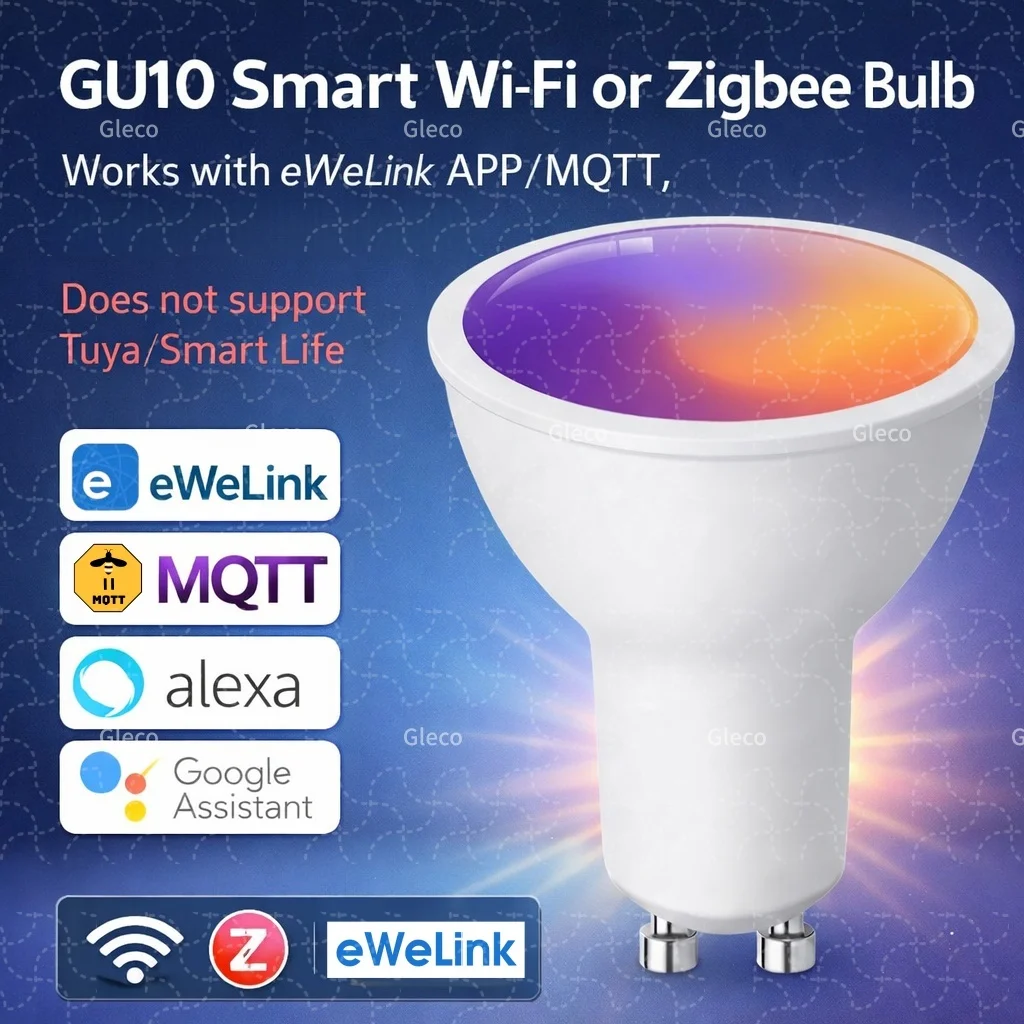
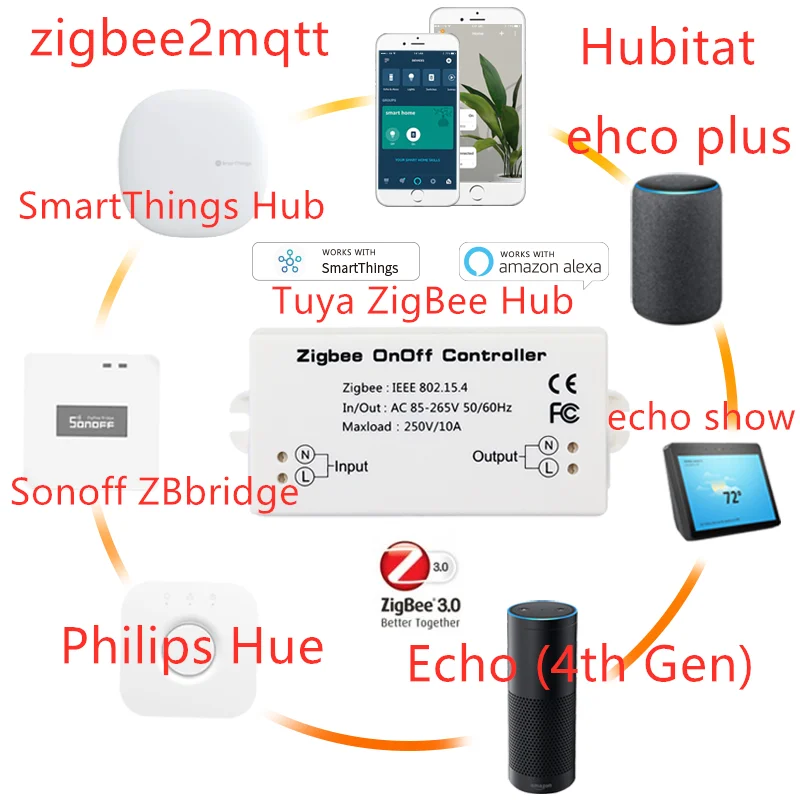
If you need a simple bulb for this kind of project, this Zigbee RGB bulb is a good fit. Make sure to choose the Zigbee model, not the BLE or WiFi version. The Zigbee version works reliably with both ZHA and Zigbee2MQTT.
The Home Assistant Automation
Here is the automation I use. You will need to replace the calendar entity and the light entity with the ones from your own Home Assistant setup.
alias: Alert when meeting is about to start
description: ""
triggers:
  - trigger: calendar
    entity_id: calendar.work_calendar
    event: start
    offset: "-0:5:0"
conditions: []
actions:
  - action: light.turn_on
    metadata: {}
    data:
      rgb_color:
        - 0
        - 0
        - 255
    target:
      entity_id: light.second_floor_office_desk_lamp
  - delay:
      hours: 0
      minutes: 4
      seconds: 0
  - action: light.turn_on
    metadata: {}
    data:
      rgb_color:
        - 255
        - 0
        - 0
    target:
      entity_id: light.second_floor_office_desk_lamp
  - delay:
      hours: 0
      minutes: 1
      seconds: 0
  - action: light.turn_off
    metadata: {}
    data: {}
    target:
      entity_id: light.second_floor_office_desk_lamp
mode: single
Customizing It
The most important parts to change are the calendar and light entities. In my case, the calendar is calendar.work_calendar, and the light is light.second_floor_office_desk_lamp. Your entity IDs will almost certainly be different.
You can also change the timing. If five minutes is too short, change the calendar trigger offset to ten minutes and adjust the delays. If red feels too aggressive, use another color for the final warning. The colors in this automation are standard RGB values, so blue is 0, 0, 255 and red is 255, 0, 0.
For a shared room, you may prefer a warmer color or a lower brightness. For a private office, a strong red final warning is hard to miss, which is exactly why I like it.
A Note About the Bulb
For this kind of alert, reliability matters more than fancy app features. I recommend using the Zigbee version of the bulb, because it integrates cleanly with Home Assistant through ZHA or Zigbee2MQTT and does not depend on a cloud account for the automation itself.
When ordering, pay close attention to the product options. Some listings offer BLE, WiFi, and Zigbee versions on the same page. For Home Assistant, I would choose the Zigbee model.
Final Thoughts
This is one of those automations that does not need to be complicated to be useful. A small color change in the room gives me a clear signal without another notification sound, popup, or voice announcement.
Blue means I have a few minutes. Red means it is time to join. Simple, visible, and very hard to miss.